Installation
Stream Chat Summary is a Windows desktop app available from the Microsoft Store.
From the Microsoft Store
- Open the Microsoft Store and search for Stream Chat Summary
- Click Get, sign in with your Microsoft account if prompted, and the app will download
- Launch from the Start menu
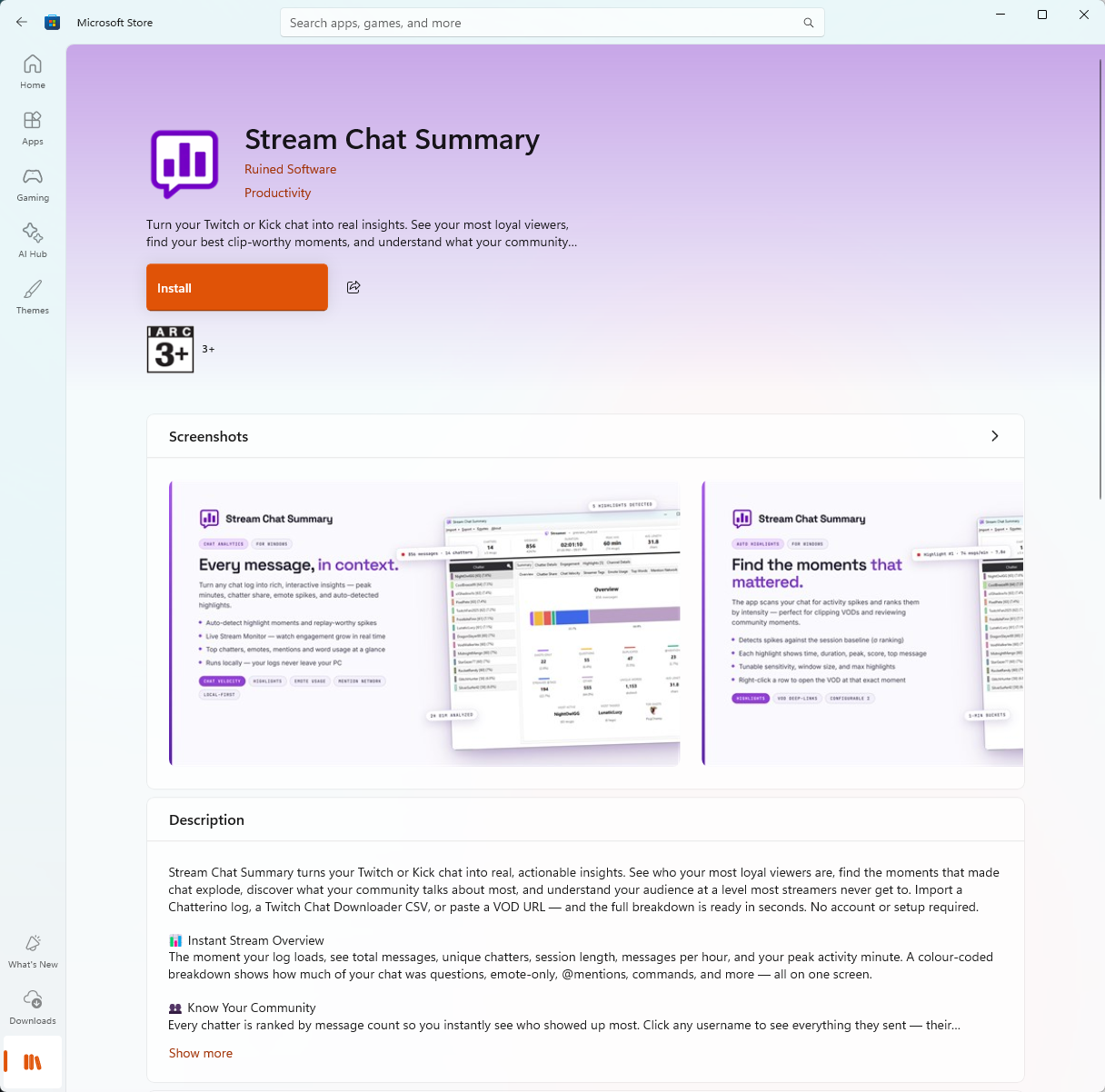
The Store delivers updates automatically. The app runs entirely on your machine — no online account is needed once it's installed.
System requirements
- OS: Windows 10 (build 1809+) or Windows 11
- Disk: ~50 MB for the app, plus space for emotes and saved live logs
Any other components the app needs are installed for you by the Store.
Where your data lives
The app keeps everything under your local AppData folder:
%LocalAppData%\Stream Chat Summary\
Inside you'll find:
emotes\— saved emote sets so they don't redownload every launchlive_logs\— text logs from your live-capture sessionslogs\— application logs for diagnosing errors
Nothing is uploaded anywhere. All analysis runs locally on your PC. See Where files live for the full layout.